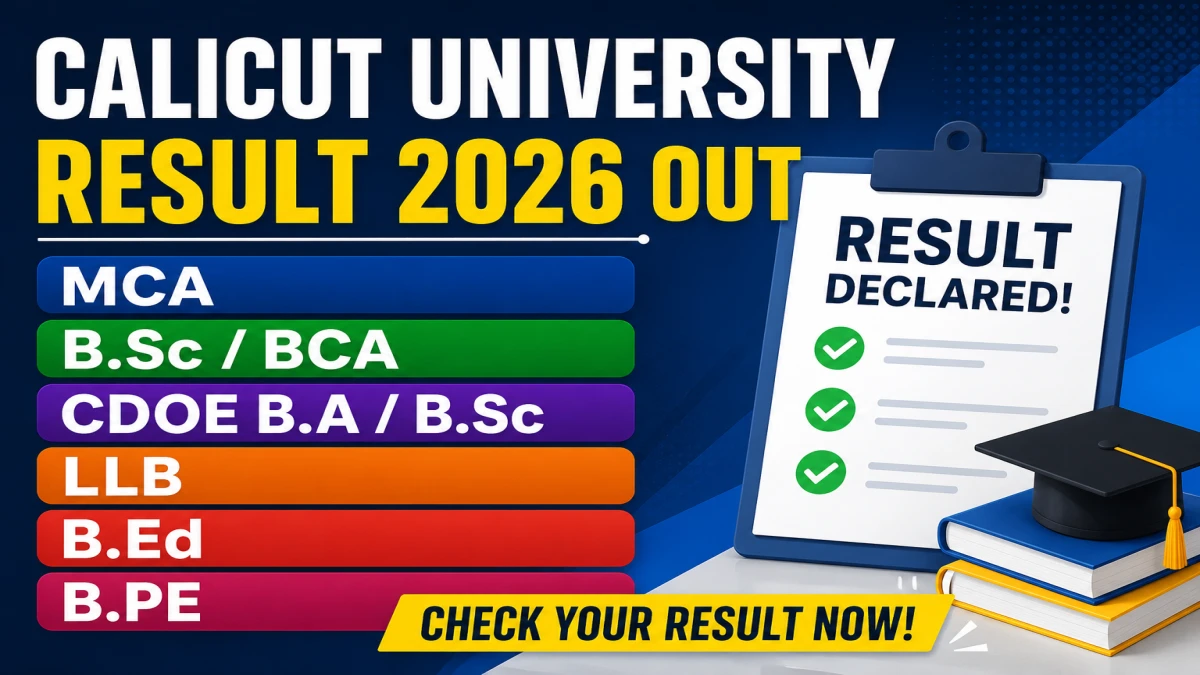
The Calicut University published nine examination results on its official results portal on 9 July 2026. The list covers postgraduate, undergraduate, distance education (CDOE/SDE), law, and B.Ed/B.PEd programmes, along with several revaluation results. This article lists every result exactly as published, with guidance on how to check and download each one.
Direct Link to Check Calicut University MCA, B.Sc/BCA, CDOE B.A/B.Sc, LLB, B.Ed, B.PE Result 2026
Important Dates
Full List of Calicut University Results Released on 9 July 2026
The table below lists all nine results exactly as they appear on the official results portal.
Note: Result #1 and #2 appear as identical duplicate entries on the source list provided. This may indicate a listing/portal display duplication rather than two separate results – students should verify on the official portal, as the exact reason for the duplicate entry is not available in the official notification.
Who Should Check These Results
- Students of the Second Semester MCA programme from 2022, 2023, 2024, and 2025 admission batches.
- Students of IV Semester CDOE(SDE)-CBCSS B.A./B.Sc./B.A. Afsal-Ul-Ulama who applied for Supplementary or Improvement exams in April 2026.
- Students of the Seventh Semester Integrated M.A English and Media Studies / M.A Malayalam (CBCSS) programme who appeared in the November 2025 exam.
- Students of Fourth Semester B.Sc/BCA (CBCSS-UG) who applied for Supplementary or Improvement exams in April 2026.
- Students of Third Semester B.PEd (2024 admission) who applied for revaluation of the 11/2025 exam.
- Students of Fifth Semester LLB Unitary Degree (2020–2023 admissions) who applied for revaluation of the 11/2025 exam.
- Students of Fourth Semester B.Ed. Special Education (Intellectual Disability), 2024 admission, who applied for revaluation of the 4/2026 exam.
- Students of Fourth Semester B.Ed, 2024 admission, who applied for revaluation of the 4/2026 exam.
How to Check Your Calicut University Result Online
- Go to the official results portal: results.uoc.ac.in.
- On the homepage, locate the result link matching your exact examination name from the table above.
- Click the matching result link – this opens a login/search window for that specific exam.
- Enter your registration number (and any other requested details such as date of birth, depending on the course).
- Click Submit/View Result to see your result on screen.
- Download or take a screenshot/printout of the result for your records.
If the specific result link is not visible immediately, it may take some time to appear across all portal sections after publication, or the university’s main site can be checked for the notification and direct link.
Understanding Revaluation Results
Four of the nine results listed are revaluation results – for B.PEd, LLB, B.Ed Special Education (Intellectual Disability), and regular B.Ed. This means these are updated results issued after students who were unsatisfied with their original marks applied for answer script revaluation. Key points:
- A revaluation result reflects the reviewed/updated marks, which may increase, decrease, or remain unchanged compared to the original result.
- Only students who had formally applied for revaluation of that specific exam will find their name/register number in these results.
- The exact revaluation fee, application window, and process for these specific rounds are not available in the official notification list shared – students should refer to the original revaluation notification circulated at the time of application, or contact their college examination cell.
Documents to Keep Ready
- Registration/Register Number
- Date of Birth (if required by the specific result link)
- Roll Number of the relevant semester exam
What to Do After Checking Your Result
- Download and save a digital copy of the online result, and take a printout.
- Verify your name, register number, course, semester, and subject codes on the result carefully.
- Report any discrepancy immediately to your college examination cell or the university examination branch.
- Remember that the online result is provisional; the original marksheet/certificate must be obtained through your college as per university procedure.
- If still dissatisfied with revaluation marks, check with your college on whether further options (such as scrutiny, where applicable) are open – the availability of a second round is not specified in the information available.
Important Instructions
- Always use the official portal results.uoc.ac.in or uoc.ac.in – avoid unofficial or third-party links for checking results.
- The portal may experience heavy traffic right after a result is published; if it loads slowly, wait and retry, or try a different network/device.
- Cross-check your registration number carefully before submitting, as an incorrect number is a common reason for “result not found” errors.
- Keep multiple copies (digital and print) of your result for admission, scholarship, or job application purposes.