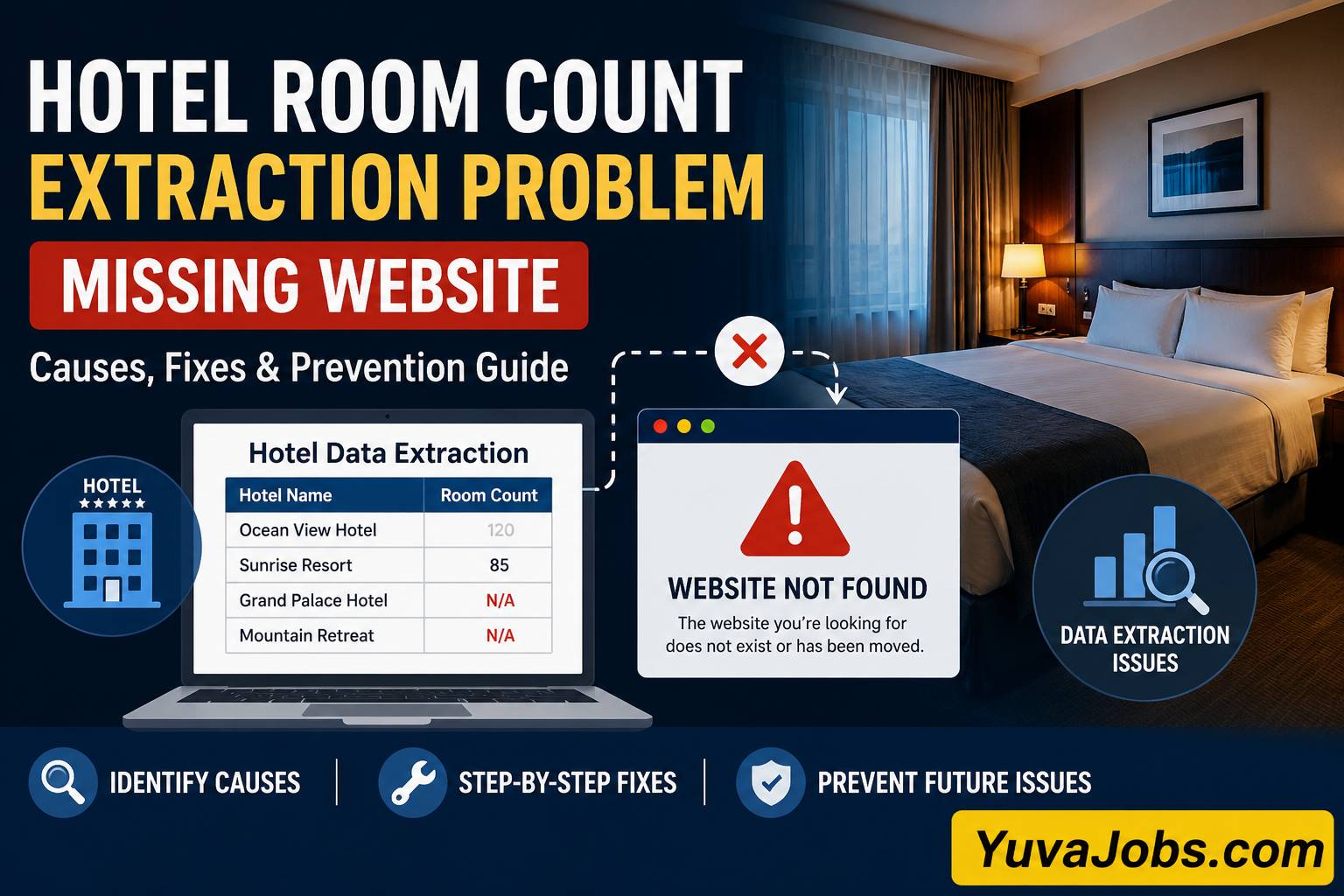

hotel room count extraction problem missing website
The most frustrating data extraction failures are often not caused by broken code. A hotel room count extraction problem missing website situation usually means the system expected to collect room inventory data from a hotel source, but the original website, page, or structured data path cannot be reached anymore. The hotel room count extraction problem missing website error stops workflows because the extractor has no trusted location to verify room numbers.
This problem appears frequently in hotel databases, travel data projects, scraping pipelines, and research datasets where room counts are collected automatically. The failure looks simple from outside, but in real environments the cause can be anything from a removed hotel website to a crawler configuration mistake. Fixing it requires checking the data source first — not blindly changing extraction logic.
What causes this
Most extraction failures start before the parser even reads the hotel information. The extraction tool depends on a source URL, and when that URL disappears or changes structure, the room count field becomes unavailable. A missing website does not always mean the hotel closed. Sometimes the hotel moved from its independent website to a booking platform, changed domains, or removed detailed property pages during a redesign.
And one common mistake users make is repeatedly running the same extraction script expecting different results. In actual troubleshooting work, this usually only produces the same empty values because the source connection itself is failing. The extractor cannot collect a room count from HTML that no longer exists.
Another frequent cause is outdated crawling data. A database may still contain an old address such as https://hotel-example.com/rooms.html, but the live website may now use a different path like https://hotel-example.com/accommodation. Automated tools usually store previous URLs (especially in large hotel datasets), so one changed folder name can break thousands of records.
Technical blocking also creates this problem. Some hotel websites prevent automated requests using security systems, firewall rules, or bot detection. The website exists for normal visitors, but the extraction system receives a blocked response such as HTTP 403 Forbidden, 404 Not Found, or sometimes a blank JavaScript-rendered page.
But there is another overlooked cause: the hotel never published its room count online. Smaller properties may only show room types, photos, and booking options without mentioning total inventory. In that case, the extractor is not failing; the required data simply is not available from that source.
Different extraction systems behave differently here — some return a missing website message, while others show empty fields, timeout errors, or incomplete records.
How to fix it
A proper fix starts by finding where the information flow breaks. Changing code before checking the source usually wastes time.
- Verify the original hotel website manually
Open the saved hotel URL in a normal browser first.
Check whether the domain loads correctly. If you see a browser error, expired domain page, or unrelated website, update the source URL before touching the extractor.
For command-line verification, use:
curl -I https://examplehotel.com
This checks the HTTP response headers. A working website normally returns a status like 200 OK. A response like 404 Not Found means the page path is unavailable, while 301 or 302 means the website has moved somewhere else.
Follow redirects carefully because a new page may contain the same hotel details.
- Check whether the room count exists on the new page
Many users assume the extraction failed because no number appeared. Realistically, the truth is that many modern hotel websites have removed exact room counts from public pages.
Search the page manually for terms like:
rooms
keys
accommodation
guest rooms
suites
If there is no visible number, inspect structured data.
Open the webpage source and search for:
application/ld+json
Some hotels store information inside JSON-LD schema instead of visible text. Extractors that only read HTML paragraphs may miss this information.
- Update the extraction selector or parser
If your extraction script depends on CSS selectors, verify that the website layout did not change.
An old selector might look like:
.hotel-room-count
After a redesign, the same information may move into:
.property-details .rooms
For Python scraping workflows using BeautifulSoup, check the returned HTML:
print(response.text[:1000])
This confirms whether your script receives the actual website content or a blocked page.
And avoid replacing selectors randomly. Find the exact HTML element containing the room count, then update the parser.
- Test JavaScript rendering issues
Some hotel websites load details after the first page request. Basic tools like requests may receive an incomplete page.
A quick test is comparing:
Browser view
Saved scraper response
If the browser shows room information but your extraction output does not, use a rendering solution such as Playwright.
Example:
playwright install chromium
Then load the page through a browser-controlled session.
Remember that automated browsing increases resource usage (especially when processing thousands of hotel records), so apply it only where required.
- Add fallback sources safely
When the official website is unavailable, check alternative verified sources.
Possible options include hotel chain databases, property documents, or trusted travel listings. Avoid copying random numbers from outdated pages because hotel room inventory changes after renovations.
So the correct fix is not just filling the missing value. The goal is keeping the dataset accurate.
If that didn’t work
Some cases require deeper checking because hotel data systems are not all built the same way.
The first alternative cause is geographic or network blocking. A hotel website may work from one country but block server traffic from another location. Test the URL from another network or check server logs for access restrictions. If requests repeatedly return 403, adjust your collection method according to the website rules.
Another possibility is database mapping failure. The website may exist, and the room count may exist, but the hotel ID points to the wrong property. This happens after hotel rebranding, mergers, or ownership changes — the extractor is technically working but looking at the wrong record.
Check fields like:
Or the issue may come from API changes. Some platforms remove fields, rename responses, or require authentication updates. Review API documentation and confirm whether the room count attribute is still provided.
The limitation is that not every missing room count can be recovered automatically. Some information requires direct confirmation from the property.
How to prevent it
Reliable hotel extraction systems need regular source checking, not only error fixing after failures appear.
Schedule URL validation before running large extraction jobs. A simple status check can detect dead websites before thousands of missing records appear.
Keep historical source information as well. Store the original URL, extraction date, HTTP status, and method used to collect the room count. This makes future troubleshooting much faster.
And always separate “missing because of an error” from “missing because unavailable.” They are different problems.
Build fallback logic carefully — one source disappearing should not destroy the entire data workflow.
For important datasets, review samples manually after major hotel website redesign periods or supplier changes. Automation works best when combined with occasional verification.
Closing
A hotel room count extraction problem missing website message is usually a source reliability issue before it is a technical failure. Start with the website, confirm the data exists, then repair the extraction method.
Random fixes often hide the real problem and create inaccurate hotel records later. Check URLs, inspect responses, update selectors, and document changes. Once the actual failure point is identified, most extraction problems become straightforward to solve and much easier to prevent in future data collection projects.