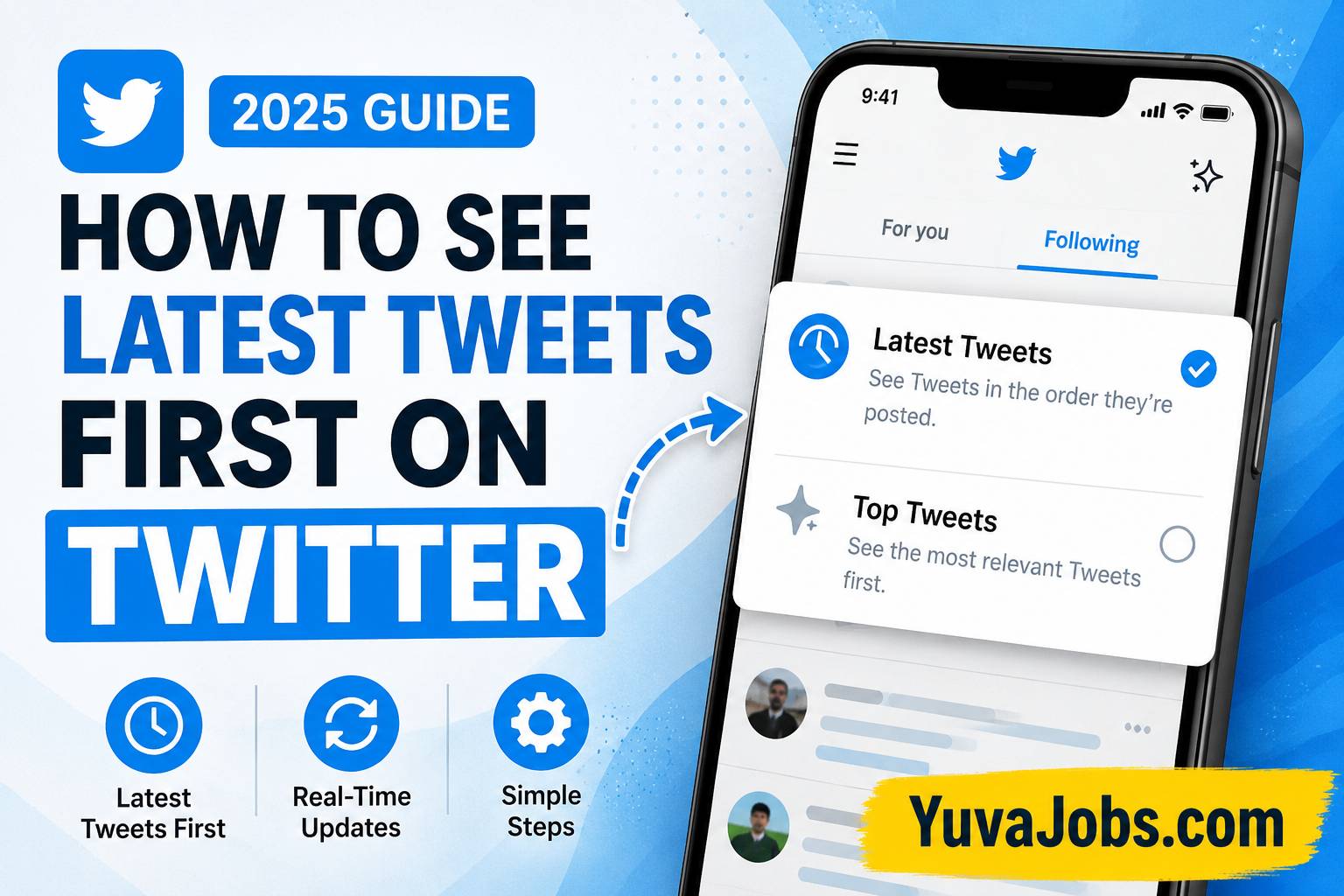

how to see latest tweets first on twitter 2025
A small timeline setting can completely change what appears when you open Twitter. Many users searching for how to see latest tweets first on twitter 2025 are not trying to learn a new feature; they simply want their feed back in real-time order instead of seeing posts selected by an algorithm. The setting still exists, but its location can be easy to miss after Twitter changed into X and updated the app layout.
After reading this guide, you will know exactly how to switch from recommended posts to the newest tweets first, adjust the setting on different devices, and avoid the common reasons why your timeline keeps changing back. The process only takes a few taps when you know where to look.
Before you start
Before changing your timeline order, make sure your Twitter/X app is updated because older versions may show different buttons or missing options. The steps are simple, but outdated apps are one of the biggest reasons people cannot find the correct timeline controls.
You only need access to your account, the Twitter/X mobile app or website, and a working internet connection. No extra tool, browser extension, or third-party service is required.
And remember that switching to the latest tweets view changes the order of your timeline — it does not remove every recommended post from every area of the platform.
The option works slightly differently depending on where you use Twitter (mobile apps usually display timeline controls more clearly). Desktop users may see similar features but placed in another corner of the screen after interface updates.
A common mistake is searching inside account settings. The timeline switch is usually not stored there.
Step-by-step instructions
Follow these steps carefully to see the newest tweets first instead of algorithm-selected recommendations.
1. Open the Twitter/X app or website
Start by opening Twitter/X and signing into your account.
This matters because timeline preferences are connected to your account activity and device session. If you are logged out or using another profile, you may change settings for the wrong account.
Wait for the home timeline to fully load before tapping anything. Some people open the app and immediately search through menus, but the timeline controls appear directly on the main feed area.
2. Go to the Home timeline
Stay on the main Home screen where tweets appear.
Twitter/X normally has two main timeline experiences: one focused on recommended content and another focused on recent posts from accounts you follow.
The exact wording can change depending on updates, regions, or app versions. But the purpose remains the same — one feed predicts what you may like, while the other focuses more on timing.
3. Select the Following timeline
Look near the top of your screen for timeline tabs.
Tap Following instead of For You.
The For You section uses ranking systems that decide which posts appear based on your activity, interactions, and suggested interests. Following shows posts from accounts you follow closer to chronological order.
This is the step where most users go wrong. They refresh For You repeatedly expecting newer tweets to appear, but refreshing does not disable ranking.
4. Use the sparkle/timeline control if available
Some versions of Twitter/X include a timeline control icon near the top area.
Tap that option if you see it and choose the setting related to latest posts or switching timeline views.
But do not worry if the icon is missing. Twitter has changed this control multiple times, and many users now switch mainly through the For You and Following tabs.
The feature location may move after updates (especially during app redesign changes), so focus on finding timeline selection rather than a specific old button.
5. Close and reopen the app to check
After choosing Following, close Twitter/X and open it again.
This confirms whether your preference stays active. Usually, the app remembers the last selected timeline, but sometimes updates or account changes reset the view.
So check the top tab when you return.
If it opens back on For You, manually select Following again. Over time, the app often keeps your preferred choice based on repeated usage.
6. Change it on desktop Twitter/X
On a computer, open Twitter/X in your browser and go to your main timeline.
Find the timeline tabs near the top and select Following.
The desktop version follows the same idea, although buttons may appear differently because the web interface receives frequent changes.
Or try refreshing your browser after switching if your feed does not immediately update.
A browser cache issue can occasionally keep showing an older timeline state.
Common mistakes
Many users think the setting is broken when the problem is actually caused by using the wrong section of Twitter/X.
The first mistake is staying inside For You. This feed is designed around recommendations, so even new posts may appear mixed with older popular content. Switching tabs is more effective than refreshing again and again.
Another mistake is installing third-party apps that promise a chronological Twitter feed. Be careful with services asking for account access because they may create privacy or security risks.
Some users also look inside privacy settings, notification settings, or account preferences. The timeline order option normally appears around the feed itself, not deep inside account menus.
And one overlooked issue is managing multiple accounts. If you switch between personal and business profiles, each account may behave differently based on previous activity.
The truth is, Twitter/X has made the timeline system less obvious than it used to be. The option is still simple, but the labels and locations changing over time create unnecessary confusion.
Tips to do it better
For a cleaner latest tweets experience, build better habits around your Following timeline.
Keep your followed accounts updated. A chronological feed is only useful when the accounts you follow still match what you want to read. Removing inactive or irrelevant accounts improves results quickly.
Use Lists when you want even more control. Lists allow you to group specific accounts and check updates without mixing everything into your main timeline.
Another useful habit is checking which tab is active before scrolling for several minutes — this small check prevents accidentally spending time inside recommendations.
Realistically, the platform may still test new layouts or features, so screenshots from older guides may not always match what you see. Follow the function, not just the button appearance.
Why Twitter/X changed how latest tweets appear
The platform changed timeline behavior because many social networks now prioritize personalized recommendations.
Instead of only showing posts by time, the system predicts what users might interact with.
For some people, this works well. They discover new accounts, trending conversations, and posts they may have missed.
For others, especially users following news, sports updates, creators, or live events, chronological order feels more useful because timing matters.
The latest tweets option gives more direct control — you decide whose updates appear by choosing who you follow.
Does latest tweets first work permanently in 2025?
In most cases, yes, but there is a limitation.
Twitter/X can still update its interface, test features, or reset preferences after major app changes. This means some users may occasionally need to switch back to Following manually.
Your timeline choice may also behave differently between mobile and desktop. For example, your phone app might remember Following while your browser opens another view.
This does not mean your account has a problem.
Usually, selecting the preferred timeline again fixes it within seconds.
Can you remove the For You timeline completely?
Currently, most users cannot fully delete the For You section from Twitter/X.
You can avoid using it by staying on Following, but the recommendation-based timeline remains part of the platform design.
Some browser extensions may claim to hide certain areas, but they depend on unofficial changes and may stop working after updates.
The safer approach is adjusting your Twitter habits instead of giving unknown tools access to your account.
Final thoughts
Changing your timeline order is mostly about knowing where Twitter/X placed the control. Open your feed, switch from For You to Following, and check that the correct timeline remains selected.
Once you understand how to see latest tweets first on twitter 2025, the process becomes a quick adjustment instead of a frustrating search through menus. Keep your app updated, manage who you follow, and use the timeline view that matches the way you want to read posts.