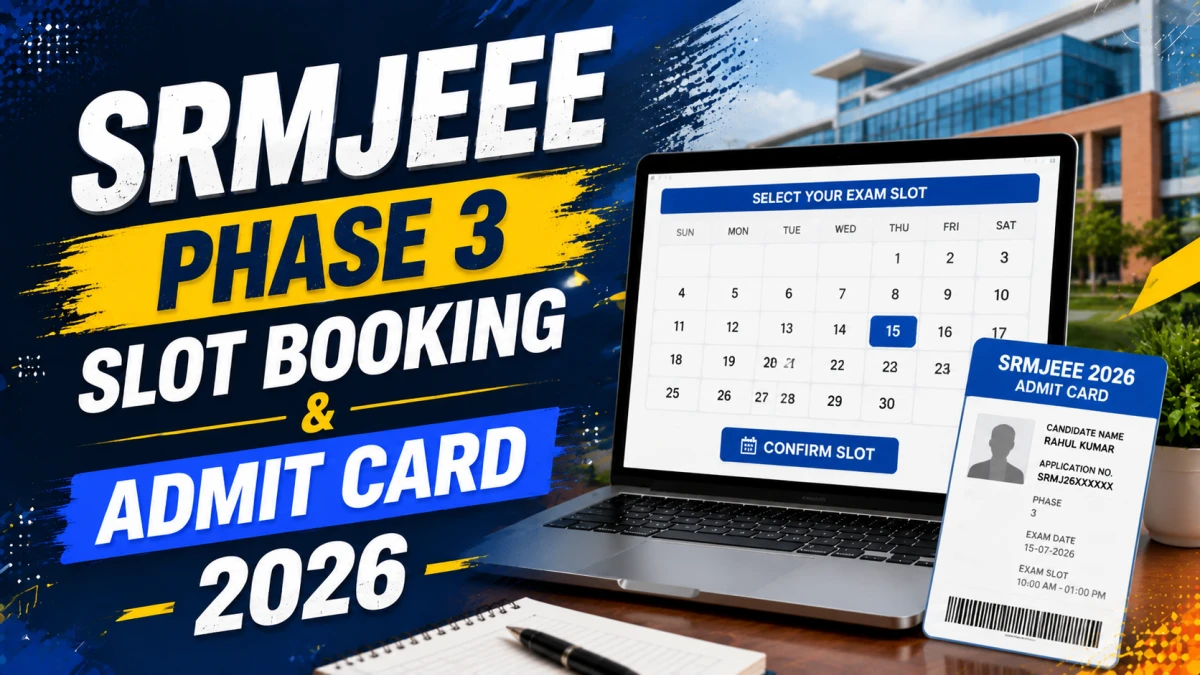
SRM Institute of Science and Technology (SRMIST) has opened the SRMJEEE 2026 Phase 3 slot booking window on July 2, 2026, on the official portal, srmist.edu.in. Candidates who have completed their Phase 3 registration can now log in, select their preferred exam date and time slot, and download their admit card immediately after confirming the booking. The SRMJEEE 2026 Phase 3 exam will be conducted on July 4 and 5, 2026, in Remote Proctored Online Mode (RPOM).
This article covers everything candidates need to know about SRMJEEE Phase 3 slot booking and admit card download, including login credentials, step-by-step instructions, and exam day requirements.
Click here: SRMJEEE 2026 Phase 3 Slot Booking and Admit Card
What Is SRMJEEE 2026 Phase 3 Slot Booking?
Slot booking is the process through which SRMJEEE candidates select their preferred exam date, time shift, and subject combination (PCM or PCB) before appearing for the entrance test. Since the exam is conducted in RPOM, or Remote Proctored Online Mode, from a candidate’s own location, choosing a suitable slot in advance ensures a smooth exam experience.
For SRMJEEE 2026 Phase 3, this process began on July 2, 2026, and slots are allotted strictly on a first-come, first-served basis. This means candidates who complete their booking early get a wider choice of available dates and time slots, while those who wait longer may find limited options remaining closer to the exam.
SRMJEEE 2026 Phase 3 Important Dates
The table below summarizes the key dates candidates should keep in mind for Phase 3 of SRMJEEE 2026.
How to Book Your SRMJEEE 2026 Phase 3 Slot
Booking a slot is a mandatory step for candidates who want control over their preferred exam date and time. Here is how registered candidates can complete the process on the official website.
- Visit the official SRMJEEE portal at srmist.edu.in.
- Log in using your registered SRMJEEE application number and password.
- Navigate to the “Book Exam Slot” or “Slot Booking” section on your candidate dashboard.
- Select your preferred exam date, time shift (forenoon or afternoon), and subject combination (PCM or PCB).
- Review all selected details carefully before submitting.
- Click “Confirm” to finalize your slot.
Important: Once a slot is confirmed, it cannot be changed. Candidates should double-check their chosen date and shift before submitting, as no modifications are permitted after confirmation.
How to Download the SRMJEEE 2026 Phase 3 Admit Card
The SRMJEEE admit card, also called the hall ticket, is generated automatically the moment a candidate completes slot booking. It cannot be downloaded separately before booking a slot.
- Log in to the candidate dashboard at srmist.edu.in using your application number and date of birth.
- Complete the slot booking process if you have not already done so.
- Once your slot is confirmed, click on the “Admit Card” or “View/Print Hall Ticket” option, which becomes active immediately.
- Check all the details on the admit card for accuracy.
- Download and take a clear colour printout of the admit card for the exam.
Details Mentioned on the SRMJEEE Admit Card
The SRMJEEE 2026 Phase 3 admit card is an essential exam-day document and typically includes the following details, based on your slot selection:
- Candidate’s name and application number
- Photograph and signature
- Exam date and time shift
- Subject combination opted (PCM/PCB)
- Reporting time and exam instructions
- System requirements for the RPOM exam
If any detail on the admit card does not match your application, candidates are advised to contact SRMIST immediately for correction before the exam date.
Documents and Setup Required for the RPOM Exam
Since SRMJEEE 2026 is conducted in Remote Proctored Online Mode, candidates take the exam from their own location rather than a physical test centre, but certain rules still apply strictly.
- Keep the downloaded admit card accessible, either as a PDF on screen or a printed copy.
- Have a valid government-issued photo ID ready to show the proctor via webcam.
- The exam session will not begin without both the admit card and valid ID.
- Mobile phones, headphones, smartwatches, and additional monitors are strictly prohibited at the workstation.
- Ensure a clean, distraction-free exam area before the session starts.
What If You Don’t Book a Slot?
Slot booking is highly recommended but not strictly compulsory for every candidate. Those who do not book a slot within the window may be automatically assigned a vacant slot from the remaining availability. However, this means candidates lose the ability to choose their preferred date, time, and subject combination, so booking early is the safer option to secure a convenient schedule.